
Restore, repair and colorize old photos with AI.
Upload an old or damaged photo, let PhotoReviva improve visible details, then download the restored result.
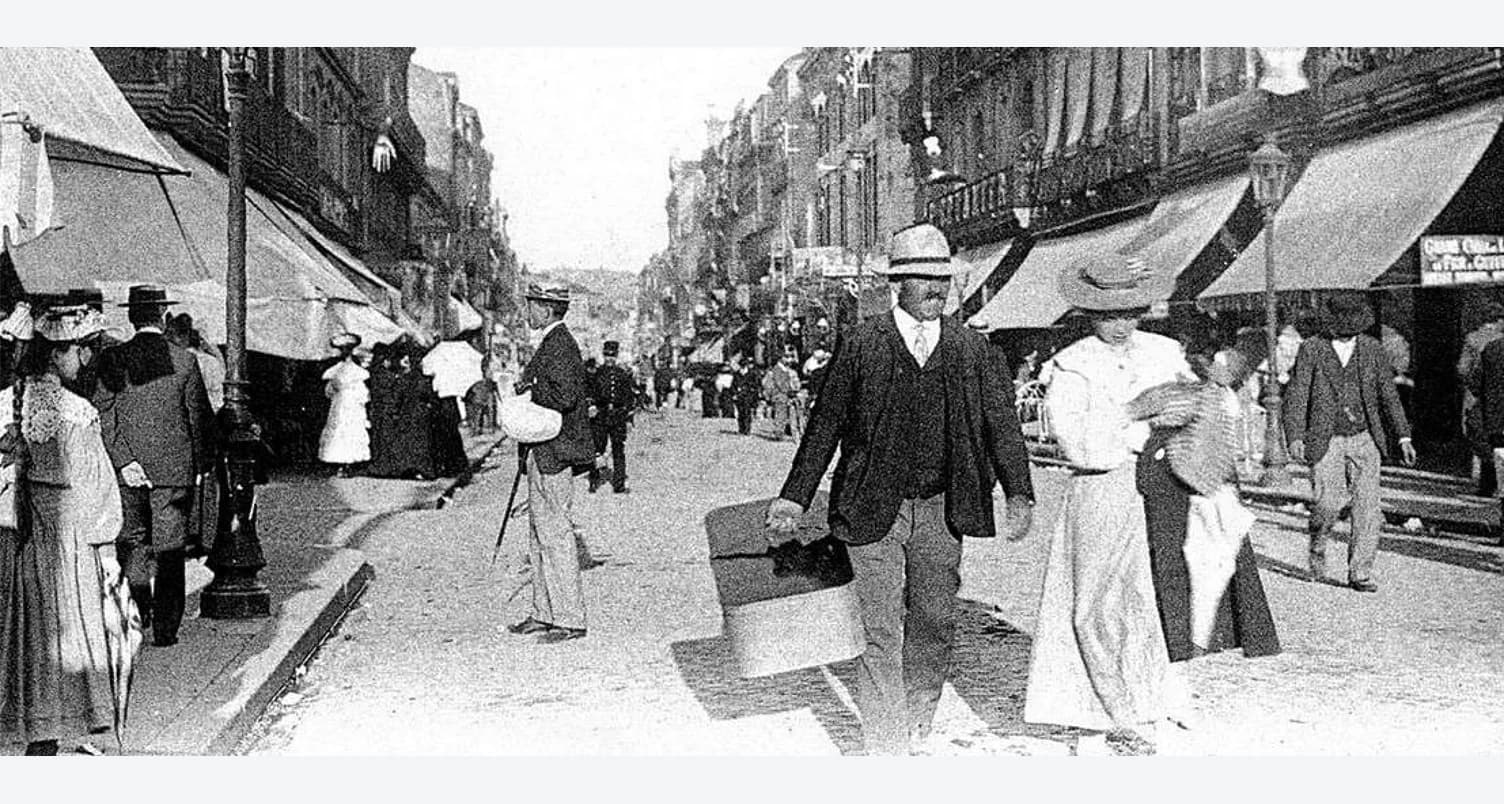
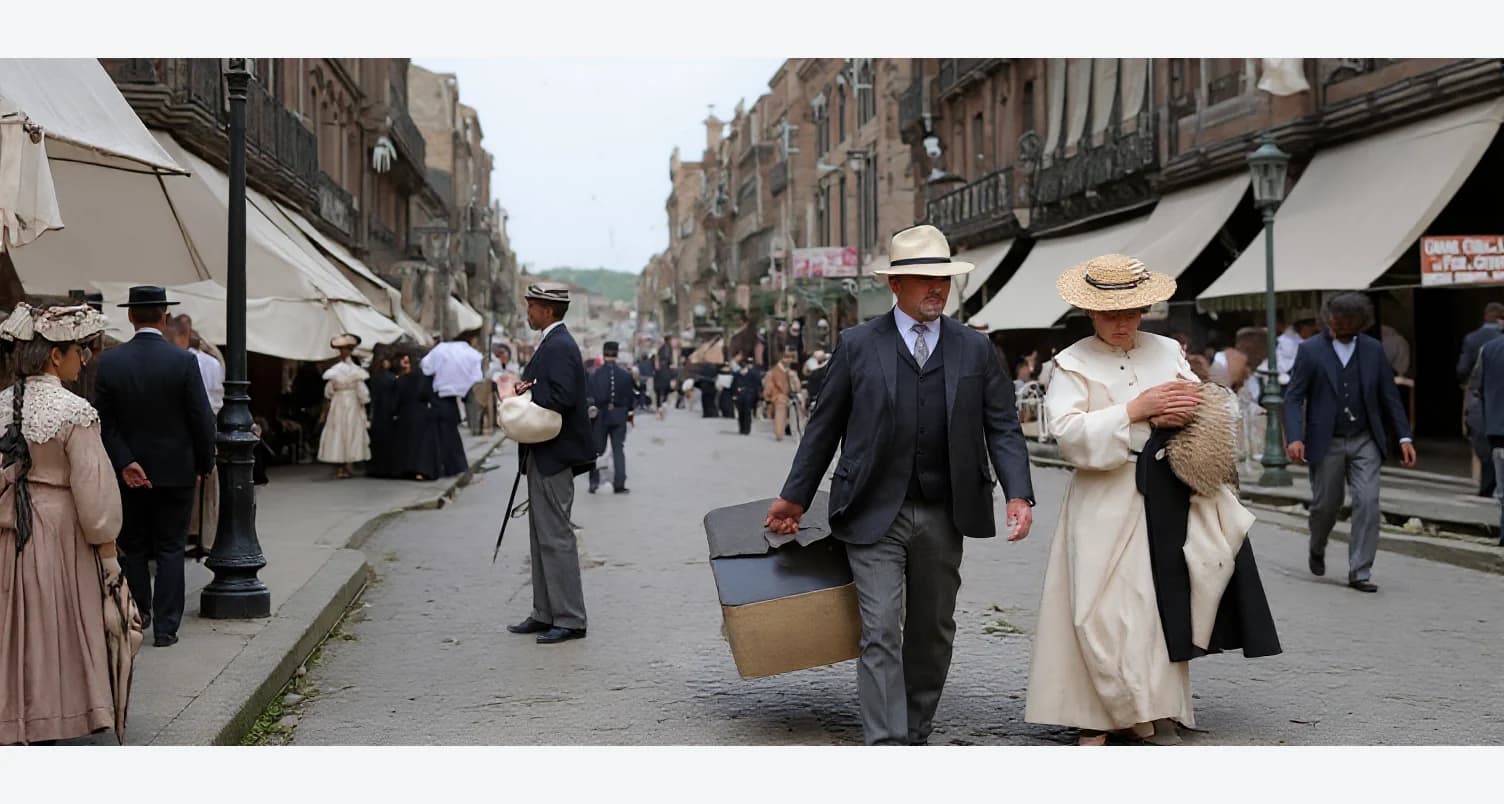
Drag & Drop your image here
JPG and PNG images up to 10MB.
No photo on hand? Try one of these examples:
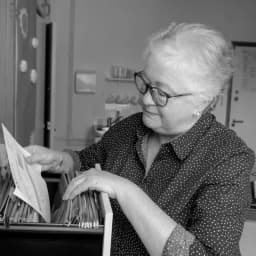
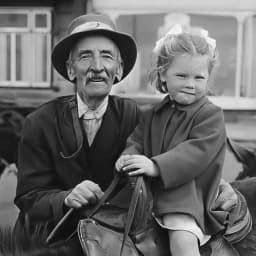
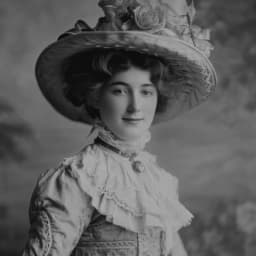
Want to understand restoration before processing the image?
This page is for uploading and repairing a photo now. For a fuller guide to old family photos, visit the dedicated restoration page.
How photo restoration works
Start without signing in, then log in only when you are ready to process the image.
Upload an old photo
◆Upload a JPG or PNG image of the photo you want to restore. Clear scans usually give better results.
AI processes your image
◆PhotoReviva analyzes visible details, reduces common damage, improves clarity and can add realistic color.
Download restored photo
◆Once processing is complete, download the restored and colorized result for sharing, printing, or saving with your family archive.
What AI can repair
PhotoReviva helps improve common age-related damage while preserving the original photo.
Scratches and marks
Reduce visible scratches, spots and surface marks that distract from the subject.
Faded contrast
Improve faded tones and contrast so faces and details are easier to see.
Blurred details
Enhance visible details where the original photo has enough information to recover.
Black and white photos
Add realistic color to black and white photos when colorization is part of the restoration.
Frequently Asked Questions
Get answers to the most common questions about our photo restoration and colorization tool